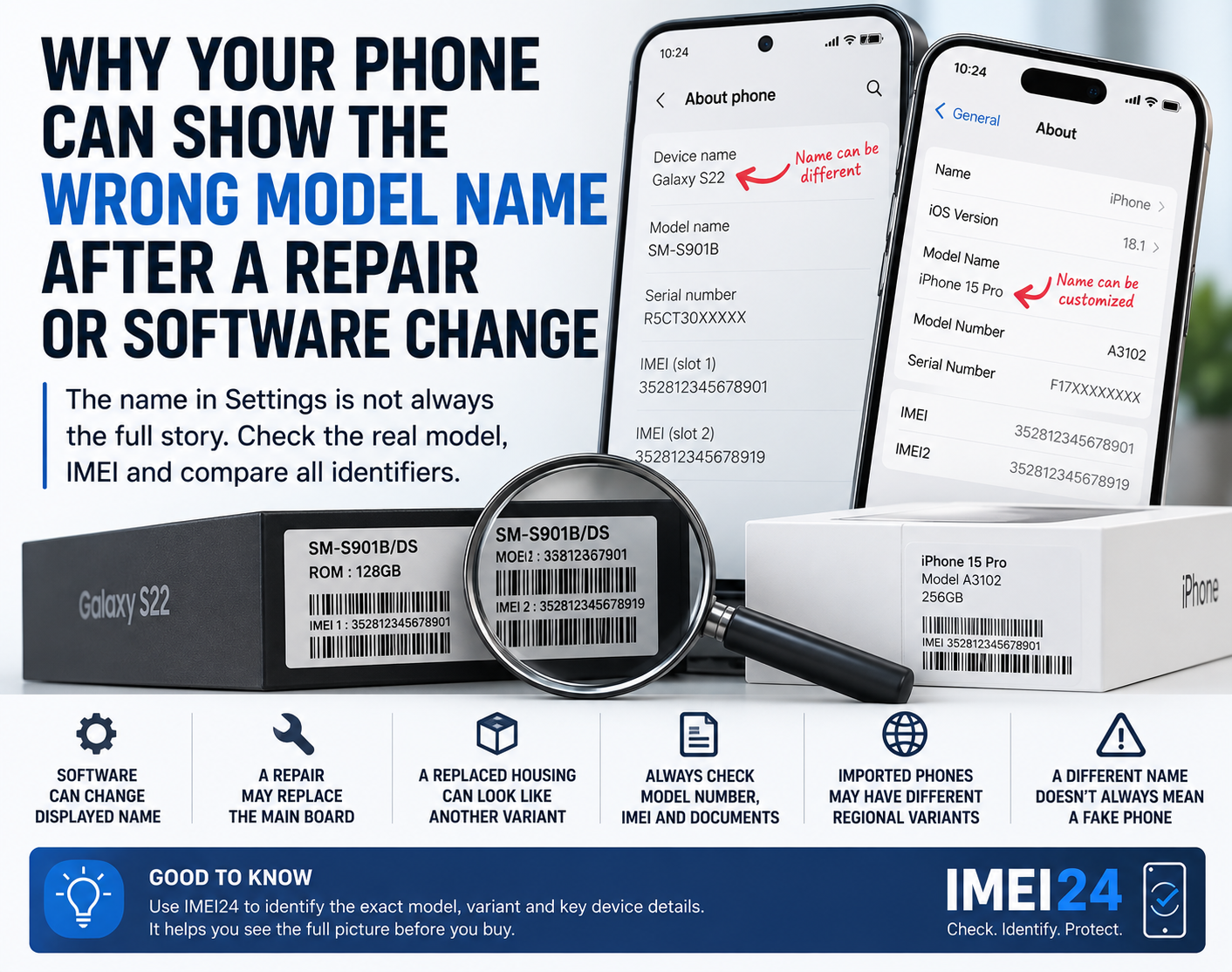
Why Your Phone Can Show the Wrong Model Name After a Repair or Software Change
You open Settings - About phone and notice something strange.
The device name does not match what you expected.
Maybe the phone was sold to you as one model, but the system shows another name. Maybe it came back from repair and some information looks different. Or perhaps the commercial name looks correct, but the model number points to a different regional version.
This does not automatically mean that the phone is fake.
Modern smartphones have several layers of identity, and they do not all come from the same place.
The marketing name is only one part of the identity
A phone can have:
* a commercial name
* a model number
* a product code
* a serial number
* one or more IMEI numbers
* a regional variant
* a firmware designation
These identifiers serve different purposes.
For example, Apple officially identifies iPhone variants by model number, and the same iPhone generation can have different model numbers for different regions.
Google also allows Pixel users to check both the model and IMEI in Settings - About phone.
So the name displayed at the top of the settings screen is not always the most precise way to identify the hardware.
Why can the displayed name be misleading?
The visible device name can sometimes be software-controlled.
On some phones it can also be customized by the user.
That means a name such as:
"John's Galaxy"
or
"My iPhone"
obviously tells you nothing about the actual model.
But even the official-looking model name shown by the system may not tell the whole story.
The exact model number is usually much more useful.
A repair can complicate the situation
A major repair can change the relationship between the physical phone and its electronic identity.
The most important example is a motherboard or logic board replacement.
The main board contains many of the components responsible for the phone's hardware identity and cellular operation.
If a complete donor board is installed, the device may effectively inherit identifiers associated with that board.
That can create situations where:
* the housing suggests one variant
* the motherboard belongs to another
* the IMEI points to another configuration
* the phone settings show unexpected information
This is why major repairs should ideally come with documentation.
A replaced housing can create the opposite problem
Sometimes the electronics are original, but the outer parts are not.
Imagine a phone whose damaged frame or rear housing has been replaced.
The markings on the housing, color, SIM tray, or other physical characteristics may no longer correspond perfectly with the device's original configuration.
That is why visual identification alone is not always reliable.
A phone can look like one regional version while its electronic identifiers point to another.
Software changes can affect what you see
Software also plays a role.
Different regional firmware versions can change:
* carrier configuration
* feature availability
* system labels
* region-specific options
* network behavior
This does not normally mean that a simple software update changes the physical model of the phone.
But it can change how certain information is displayed or which features are available.
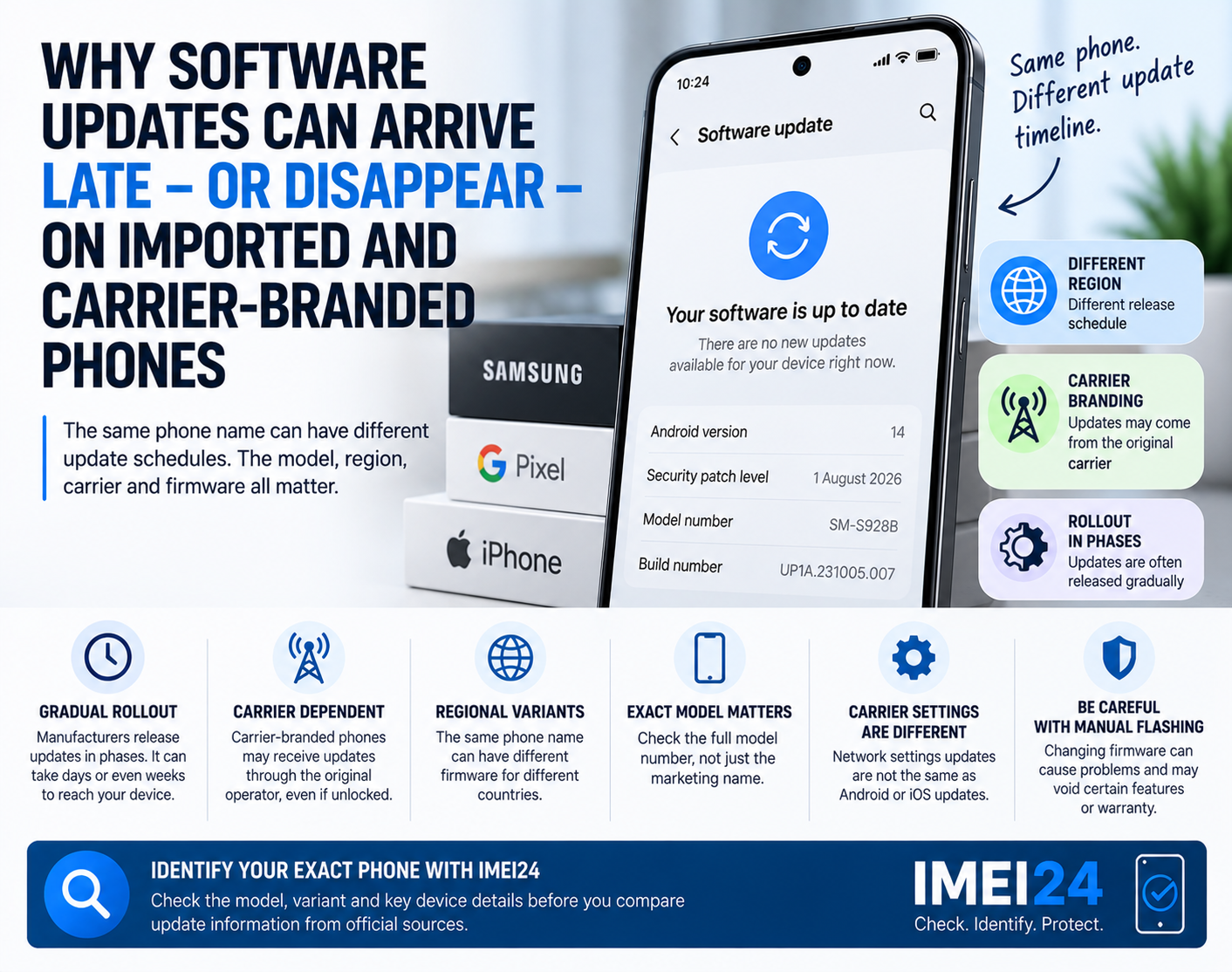
This is especially relevant with imported Android phones, where users sometimes install firmware intended for another region.
Do not confuse the device name with the model number
This is one of the easiest mistakes to make.
The device name is often designed for user convenience.
The model number identifies a specific hardware or regional version.
For iPhone, Apple provides official lists connecting model numbers with specific regional versions. For example, one current iPhone model can have different A-numbers depending on whether it was sold in China, the United States, or other regions.
That is much more precise than simply seeing "iPhone" in Settings.
Where should you check the real model?
Start with the phone itself.
On Android, look in:
Settings - About phone
Google specifically lists the model and IMEI in this section on Pixel devices.
On iPhone:
Settings - General - About
Apple explains that you can tap the part number shown next to Model Number to reveal the actual model number.
You can also compare information with:
* the original box
* purchase documentation
* repair documentation
* SIM tray or device markings where applicable
* IMEI information
What if the box and phone do not match?
This deserves attention.
Suppose the box shows one model or IMEI, while the phone reports something different.
Possible explanations include:
* the wrong box
* a previous motherboard replacement
* a donor device repair
* an incorrect seller description
* a regional variant difference
* a refurbished device assembled from multiple parts
None of these possibilities should be assumed automatically.
But a mismatch is a reason to ask questions.
IMEI can help clarify the situation
This is where IMEI24 becomes useful.
A lookup may help confirm available device information such as:
* manufacturer
* exact model
* Product Name
* SKU
* storage
* regional or device variant
* blacklist status where supported
The goal is not to treat IMEI as a complete repair history.
It is not.
Instead, use it as another reference point.
If the phone settings, box and IMEI information all point to the same model and variant, that is reassuring.
If they do not, investigate further.
What about iPhone identification?
Apple gives several ways to identify an iPhone.
You can find the model number in Settings, and depending on the device, it may also be visible around the SIM tray or connector area. Apple also allows users to locate serial, EID and IMEI information in Settings and other official device records.
This makes it possible to compare several independent identifiers instead of trusting only one label.
When should you be suspicious?
A different model name is not automatically suspicious.
But several mismatches together deserve attention.
For example:
* box IMEI does not match the phone
* model number does not match the advertised version
* storage reported by the system differs from the listing
* regional variant is different from what the seller claimed
* repair documentation is missing
* the seller cannot explain why identifiers differ
At that point, you should slow down before buying.
Used and refurbished phones need extra care
Refurbished devices are particularly interesting because the exterior condition can be excellent while the internal history is complicated.
A professionally refurbished phone can be a perfectly good device.
The issue is transparency.
You should know what you are buying.
If the device has had:
* a replaced motherboard
* a replaced housing
* major internal repairs
* regional firmware changes
then the seller should ideally be able to explain that history.
What should you compare before buying?
If something about the device identity feels inconsistent, compare:
* commercial name
* exact model number
* IMEI1 and IMEI2 if present
* storage capacity
* region or variant
* box label
* serial number
* repair documentation
Do not rely on only one field.
The phone name is the beginning, not the answer
Modern smartphones are more complicated than the name printed on the box.
A single product family can contain several regional variants, storage options, SIM configurations and hardware versions.
Repairs can complicate that identity even further.
So if your phone shows an unexpected model name, do not immediately assume the worst.
Check the exact model number, compare the IMEI information and look at the device's documentation.
The more identifiers agree with each other, the easier it is to understand what phone you actually have.