IMEI, Serial Number, EID and ICCID - What's the Difference?
Your smartphone contains more identification numbers than you might expect.
Open the device information screen and you may find an IMEI, serial number, EID, ICCID, model number and sometimes even two different IMEI numbers.
To most users, they look like random strings of digits and letters.
They are not.
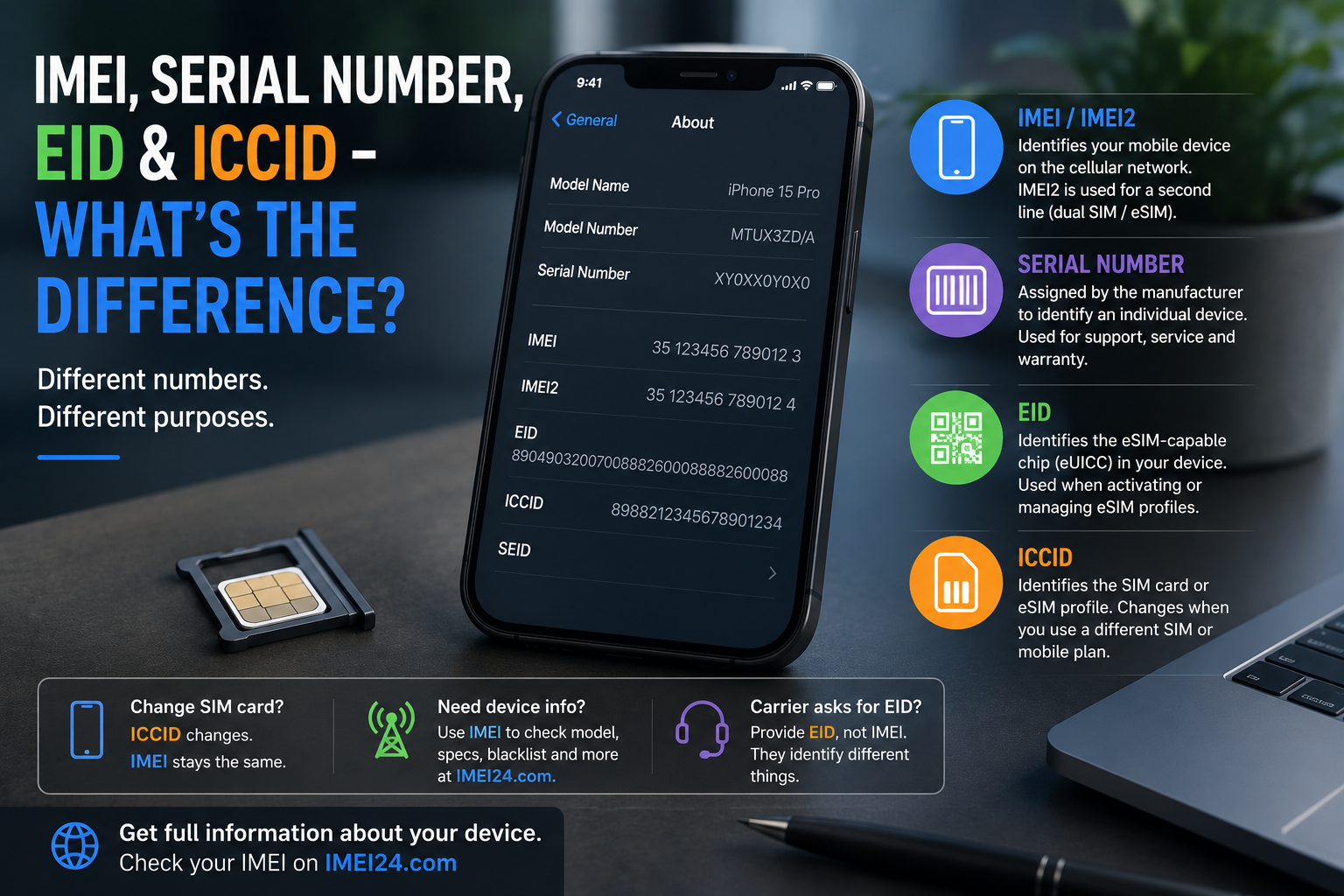
Each identifier has a different purpose, and knowing the difference can be useful when activating an eSIM, contacting your carrier, buying a used phone or simply trying to identify exactly which device you own.
IMEI - the identity of your phone on a mobile network
IMEI stands for International Mobile Equipment Identity.
It is a unique identifier associated with mobile equipment and is used by cellular networks to identify devices connecting to them.
You may need your IMEI when:
• checking information about a smartphone
• contacting a mobile operator
• checking blacklist status
• identifying a device
• using certain carrier or unlocking services
The easiest way to display it on many smartphones is to dial:
*#06#
The IMEI can also usually be found in the device settings.
Why does my phone have IMEI1 and IMEI2?
This often causes confusion.
Modern smartphones can support more than one cellular line. Depending on the device, this can mean two physical SIM cards, SIM plus eSIM, or multiple eSIM capabilities.
As a result, you may see:
IMEI1 - associated with one cellular identity
IMEI2 - associated with another cellular identity
Seeing two IMEI numbers is therefore completely normal on many modern smartphones.
Serial number - the manufacturer's identifier
The serial number serves a different purpose.
While the IMEI is associated with cellular equipment identification, the serial number is assigned by the manufacturer to identify an individual product.
It can be useful for:
• manufacturer support
• service and repair
• warranty-related procedures
• identifying a particular device
IMEI and serial number should therefore not be treated as two names for the same thing.
EID - an important number for eSIM
If your smartphone supports eSIM, you may also find a much longer number called EID.
EID stands for eUICC Identifier.
It identifies the embedded component used to manage eSIM profiles in compatible devices.
A mobile operator may request the EID when setting up or troubleshooting an eSIM service.
This means:
IMEI identifies mobile equipment.
EID identifies the eSIM-capable eUICC.
They may appear next to each other in your phone settings, but they perform different jobs.
ICCID - this one belongs to the SIM profile
ICCID stands for Integrated Circuit Card Identifier.
Unlike the IMEI, which identifies the device, ICCID identifies a SIM card or SIM profile.
If you replace your physical SIM card, the new SIM will have a different ICCID.
With eSIM, an ICCID is associated with the installed mobile subscription profile.
This gives us a useful distinction:
| Identifier | What does it identify? |
| IMEI | Mobile device/equipment |
| IMEI2 | Second cellular identity on supported devices |
| Serial Number | Individual product assigned by the manufacturer |
| EID | eSIM-capable eUICC |
| ICCID | SIM card or SIM subscription profile |
What happens when you change your SIM card?
This is an easy way to understand the difference.
Imagine you remove your current SIM and insert a SIM card from another operator.
The ICCID changes because you are now using a different SIM card.
The phone's IMEI does not suddenly become the IMEI of the new SIM. It remains an identifier associated with the device's cellular equipment.
This is why IMEI and ICCID should never be confused.
What about eSIM?
eSIM makes the situation slightly more complicated because there is no traditional plastic card to remove.
The phone contains an embedded eSIM component identified by its EID, while mobile subscription profiles can be downloaded digitally.
Those profiles have their own associated information, including ICCID.
So even without a physical SIM card, the distinction between the device, eSIM hardware and mobile subscription still exists.
Where can you find these numbers?
The exact location depends on the manufacturer and operating system, but most can be found in the phone's information or status settings.
On an iPhone, for example, many identifiers are available under:
Settings → General → About
Android manufacturers use slightly different menus, usually under sections such as:
Settings → About phone
You can also use *#06# to quickly display IMEI information on many devices.
What can you check using an IMEI?
Once you have the IMEI, it can be used to obtain additional information about the smartphone.
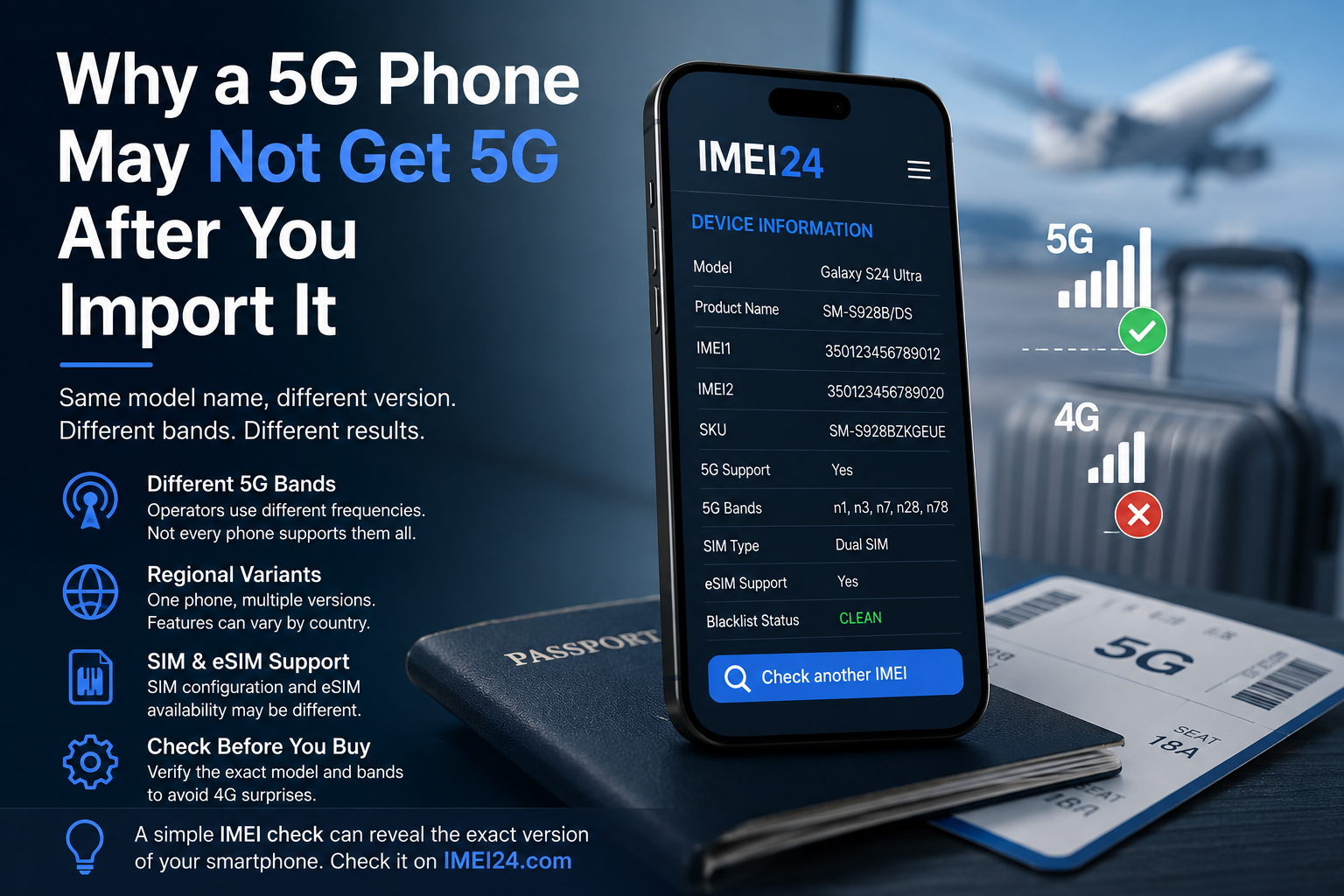
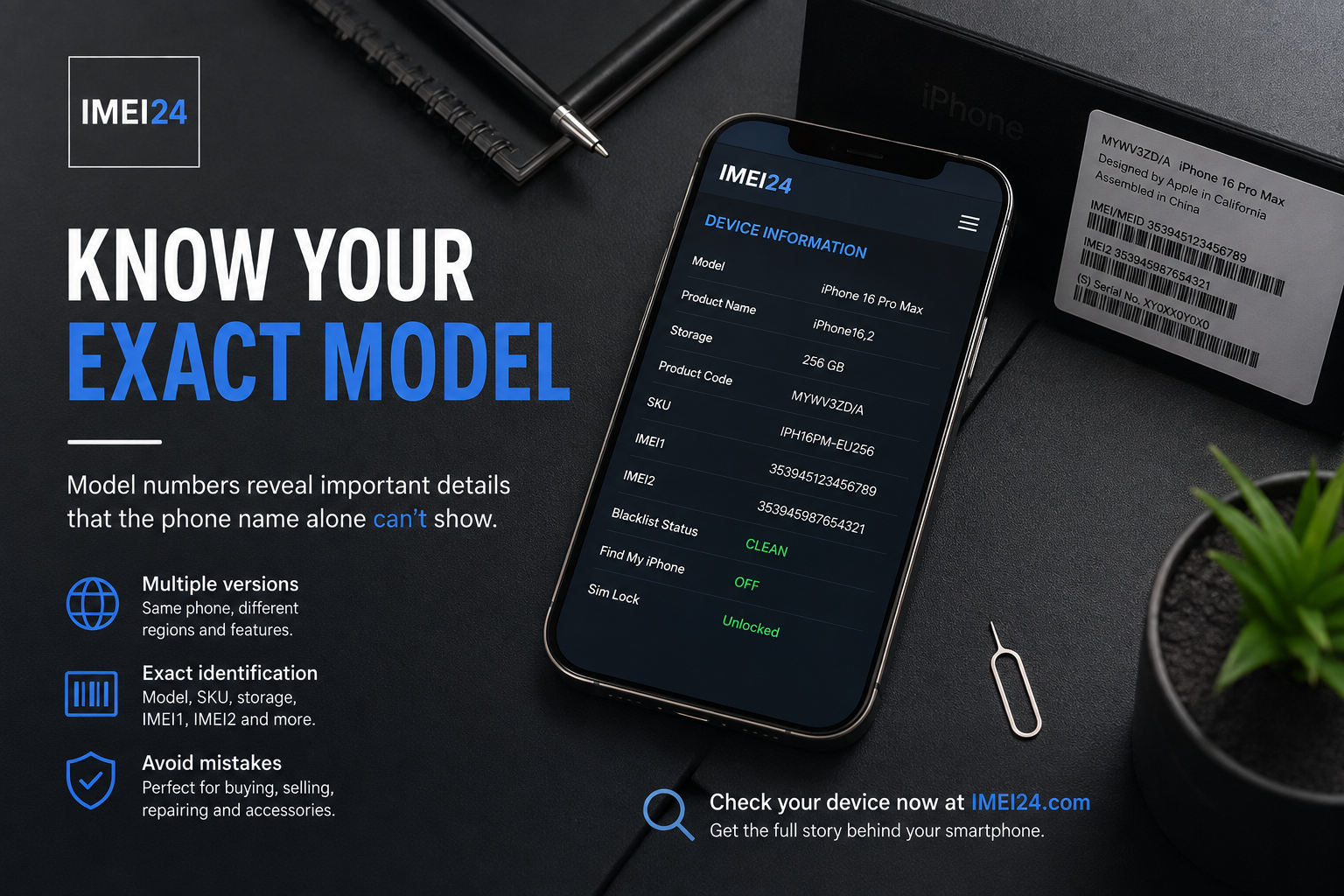
Using IMEI24, available information may include details such as:
• manufacturer
• exact model
• product name
• device SKU
• storage version
• IMEI1 and IMEI2
• blacklist status
• other available device information
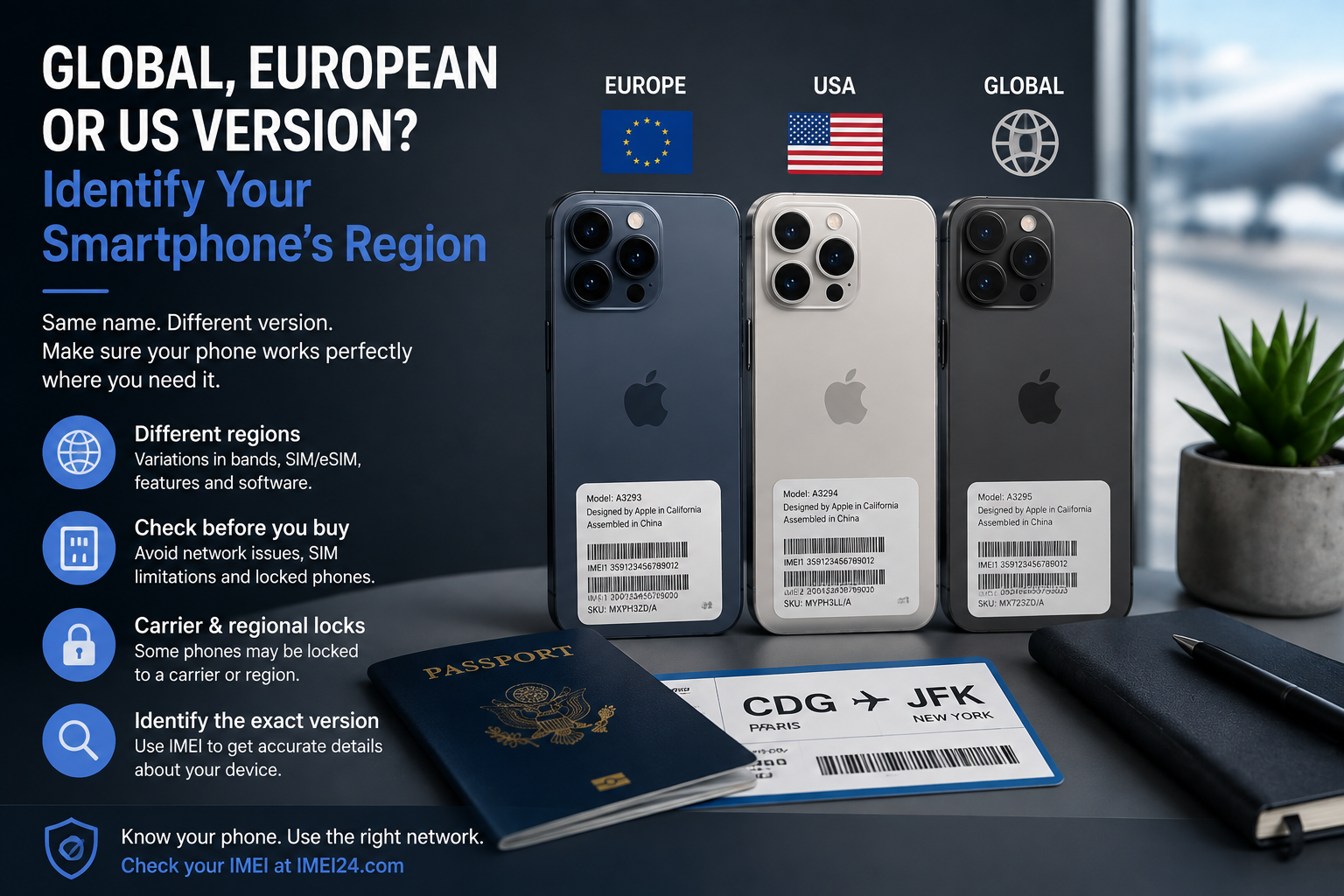
This can be particularly useful when the commercial name alone does not identify the exact version of a smartphone.
One phone, several identities - but each has a purpose
IMEI, EID, ICCID and serial number may appear together on the same information screen, but they describe different parts of the mobile ecosystem.
A simple way to remember it is:
IMEI = device
Serial Number = manufacturer's individual product identifier
EID = eSIM hardware
ICCID = SIM or subscription profile
Once you understand this distinction, many confusing smartphone settings suddenly make much more sense.
Final thoughts
You do not need to memorize every identification number stored in your smartphone.
What matters is knowing that they are not interchangeable.
If a carrier asks for an EID, giving them the IMEI may not solve the problem. If you want to identify a smartphone, an ICCID tells you about the SIM rather than the phone itself.
And when you want to learn more about the device behind an IMEI, you can check the available information using IMEI24.
A few seemingly random numbers can tell very different stories about the phone, the SIM and the network connecting them.