Why Phones Get Stuck, After a Factory Reset? And What Users Should Know Before Resetting
.png)
A factory reset sounds simple. Many users believe it restores a phone to a clean, fresh state, ready for a new owner or a new start. In reality, modern smartphones are no longer just hardware — they are deeply connected to accounts, networks, and security systems. That’s why resetting a phone without preparation can sometimes leave it completely unusable.
Today, one of the most common support questions is simple: “Why is my phone asking for an account or refusing a new SIM after reset?” The answer lies in how modern device security works.
What a Factory Reset Actually Does
A factory reset removes personal files, apps, and local settings from the device. However, it does not always remove security connections stored on remote servers. Account locks, activation systems, and network restrictions often remain active even after the reset process is complete.
This means the phone may appear clean but still require authentication before it can be used again.
The Most Common Locks After Reset
Modern smartphones include several layers of protection designed to prevent theft and unauthorized resale. These systems work well, but they can surprise users who reset a device too quickly.
Some of the most common locks include:
account-based activation locks tied to previous owners,
manufacturer ecosystem locks linked to cloud services,
Google or manufacturer verification systems after reset,
SIM restrictions that prevent using another carrier.
In many cases, the device itself is fully functional — but access is limited until the correct credentials or unlock process is completed.
Why SIM Cards Sometimes Stop Working After Reset
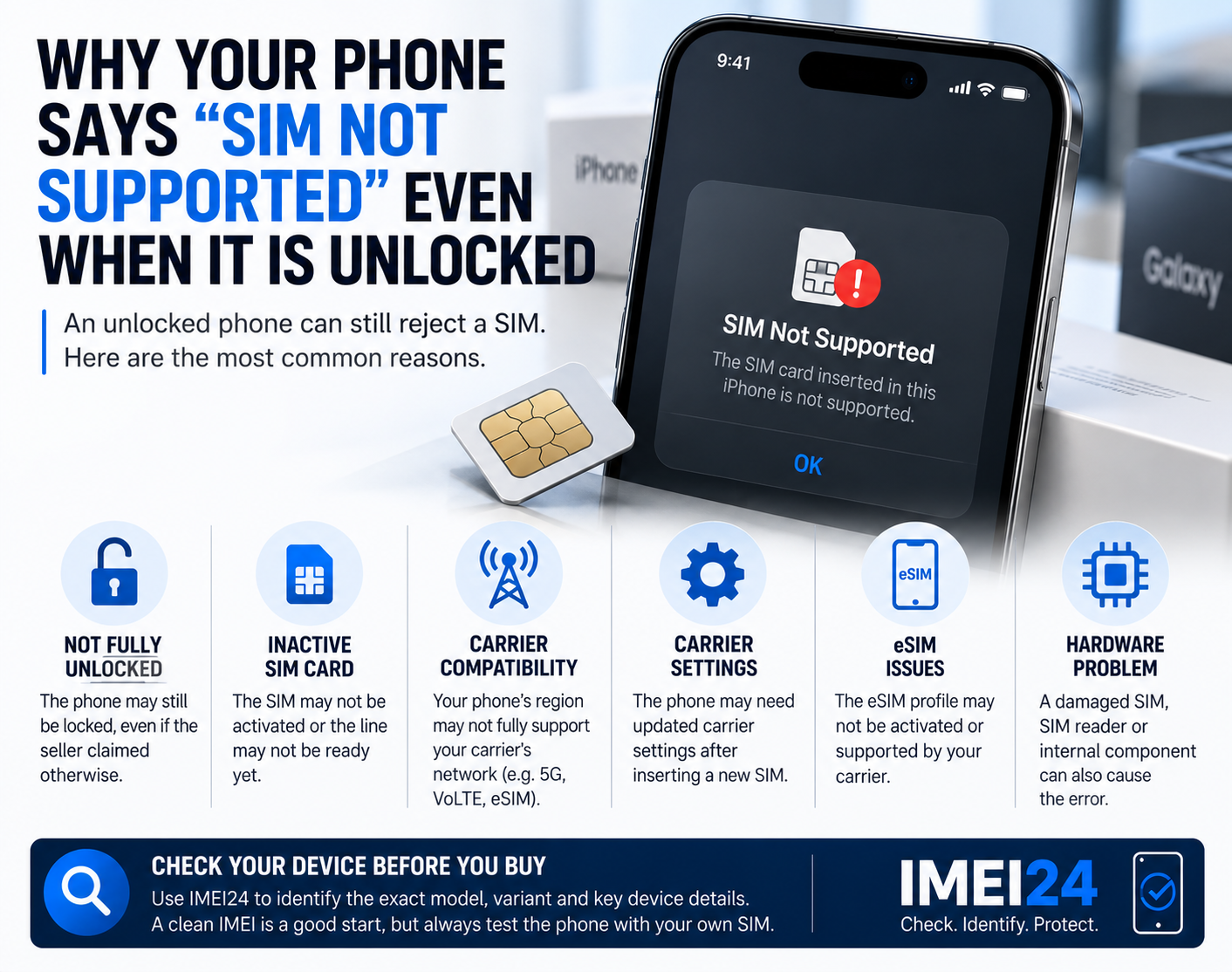
Another common issue appears when users insert a new SIM card after resetting a device. Some phones remain restricted to their original network even after a reset. This happens because SIM locks are stored at the network or activation level, not inside user data.
Users often assume something went wrong during reset, when in fact the phone was simply never unlocked from its original carrier.
When a device refuses to accept a new SIM, an official unlock service may be required. For users who need a professional solution, services like
sim-unlock.net provide options to remove network restrictions safely and permanently.
Why Resetting Before Selling Is Risky
Many problems happen during resale. A seller resets the phone but forgets to remove their account first. The buyer receives a device that turns on but cannot be activated.
From the buyer’s perspective, the phone looks like a good deal — until the setup process asks for credentials that no longer exist.
This situation is increasingly common as second-hand markets grow. Understanding the difference between wiping data and removing accounts is essential before transferring ownership.
How to Prepare a Phone Before Resetting
To avoid getting stuck after a reset, users should always:
sign out of all manufacturer accounts and cloud services,
remove linked security features and device tracking,
ensure the device accepts multiple SIM cards if intended for resale,
double-check activation status before completing the reset.
These steps reduce the risk of post-reset lockouts and make the device easier to use for the next owner.
The Role of Professional Unlock Services
When access credentials are lost or network restrictions remain active, manual solutions are not always possible. Official unlocking services exist to help users restore full functionality to devices that are otherwise stuck.
Professional unlock methods work by updating activation status within network systems rather than modifying the phone’s software. This approach ensures long-term stability and avoids the risks associated with unofficial tools.
Conclusion — Resetting Is Not the Same as Starting Fresh
Factory reset used to mean a complete fresh start. Today, it is only one step in a larger security ecosystem. Phones remain connected to accounts, networks, and activation systems long after local data is erased.
Understanding how resets interact with modern security features helps users avoid frustration, protect resale value, and keep full control over their devices. Before pressing the reset button, it’s worth knowing what stays behind — and what still needs to be unlocked.